What to Prepare Before Hiring a Web Designer: A Small-Business Website Checklist

Hiring a web designer should move your business forward, but the project can stall before design begins when basic decisions and materials are missing. A designer may be ready to work while the business is still deciding which services matter most, who approves the pages, where the domain is registered, or whether anyone has usable photos.
You do not need to arrive with a finished sitemap, polished copy, or technical plan. Those are areas where a good web designer should help. You do need enough clarity to explain what the website must accomplish, who it serves, what already exists, and how decisions will be made. That preparation makes proposals easier to compare, reduces avoidable revisions, and gives the designer a better chance of building the right website.
This checklist explains what to prepare before hiring a web designer, including goals, audiences, page ideas, content, account access, ownership, features, budget, timing, and internal approvals. If you are looking for local help, OHS Publishing’s Kansas City web design service provides custom WordPress websites for small businesses.
Start with the business outcome, not the appearance
“We need a modern website” is a reasonable starting point, but it does not tell a designer what the website must do. Modern can mean cleaner typography, faster mobile pages, an easier editing system, stronger search visibility, better lead qualification, or all of those things. Choose one primary outcome and two or three supporting outcomes.
Common primary outcomes include:
- Generate more qualified calls or estimate requests.
- Help prospective customers understand complex services.
- Attract patients, clients, members, applicants, or event inquiries.
- Sell products, memberships, or bookings online.
- Replace an outdated website that is difficult to update or unreliable.
- Support a new business, service area, location, or brand.
Write the primary outcome in one sentence: “The website should help homeowners understand our remodeling services and request an estimate,” or “The website should help new patients identify the right location and complete the correct intake step.” This sentence becomes a useful test when a design or feature decision appears later. If an idea does not support the primary outcome, it may not belong in the initial project.
Define the customers the website needs to serve
A small business may serve several audiences, but a website becomes confusing when every audience receives equal emphasis everywhere. List the groups that visit the site and rank them. For each group, write down the question that brings them to the website and the action they should take.
For example, a contractor may prioritize homeowners seeking whole-home renovation, then homeowners comparing kitchen options, and finally trade partners or job applicants. A professional practice may need separate paths for new clients, existing clients, and referral sources. The homepage can introduce the main audience while navigation and landing pages guide everyone else.
Include geographic boundaries. List the cities, counties, states, or travel radius you actually serve. If some services have a smaller service area than others, note that difference. Clear geographic information helps the designer plan location content without creating repetitive pages that compete with one another.
List your services and decide what deserves its own page
Prepare a complete service list, then mark each item as primary, secondary, or not currently promoted. A primary service usually deserves a focused page when customers search for it, need detailed information before contacting you, or would misunderstand it if it were grouped with several other offers.
Do not organize the website only around internal departments or the way the company invoices. Use language customers recognize. If customers commonly ask about the difference between two services, plan enough content to explain that difference.
Your starting page list might include:
- Home
- About or company story
- One page for each primary service
- Industries, conditions, project types, or audiences served
- Locations or service area
- Portfolio, case studies, reviews, or results that can be verified
- Pricing or process guidance when appropriate
- Frequently asked questions
- Contact, quote, booking, or intake page
- Privacy and other required policy pages
This is a planning list, not a finished sitemap. The designer should help remove duplication, group related pages, and make the navigation understandable. OHS Publishing’s website navigation audit explains how to test whether visitors can reach important information without guessing.
Gather content without trying to finish every word
Many website schedules are delayed by content rather than design. Decide who will write the pages and what the designer’s proposal includes. “Content provided by client” may mean the business must deliver final, approved copy before pages can be built. “Content assistance” could mean editing rough notes, interviewing the owner, writing new copy, or only arranging existing material. Ask for a precise definition.
Even when the designer writes, collect source material:
- Current brochures, service sheets, proposals, menus, intake documents, and presentations
- Accurate business name, address, phone, email, hours, and service area
- Service descriptions, process steps, qualifications, and policies
- Approved team biographies and headshots
- Real reviews or testimonials with permission to use them
- Project examples, case-study facts, and client-approved photos
- Common sales questions and objections
- Any legal, licensing, privacy, or professional review requirements
Do not invent credentials, statistics, guarantees, or customer results to make the pages sound stronger. Specific, accurate information is more persuasive than unsupported claims. If your current website contains useful material, identify what should be kept, updated, combined, or retired rather than assuming everything will transfer unchanged.
Organize brand files and image rights
Give the designer the best available version of your logo, preferably the original vector file or a large transparent image. Gather brand colors, fonts, signage, vehicle graphics, packaging, printed pieces, and any existing brand guidelines. If there is no formal guide, show examples that represent how the business should feel and examples that do not.
Create folders for team photos, location photos, products, completed projects, and other subjects. Remove duplicates and label the strongest choices. Confirm that the business owns the images or has permission and a suitable license to use them on the website. A designer can help select stock photography, but stock photos should not be presented as employees, facilities, customers, or completed work.
If photography is still needed, decide whether it must happen before the website launches. Some pages can begin with temporary licensed images and receive original photography later, while portfolio-driven businesses may need real images from the start.
Confirm control of the domain, hosting, and business accounts
Before hiring a web designer, find out who controls the domain name and where it is registered. The business should be able to sign in, update contact information, renew the domain, and change its DNS settings. ICANN identifies the registrant as the person or entity that holds the rights to the registered domain name, which is why accurate ownership and recovery details matter. See ICANN’s domain registration overview.
Also locate access for:
- Current website hosting and WordPress administration
- Domain registrar and DNS provider
- Business email administration
- Google Business Profile, Search Console, and Analytics
- Online store, booking, payment, CRM, newsletter, chat, or phone systems
- Social profiles that will be linked from the website
Do not send passwords through ordinary email or place them in a shared planning document. Use a secure password manager or the access-sharing method provided by the platform. When possible, invite the designer as a separate user with only the permissions needed. Keep the primary ownership, billing, and recovery information under business control.
Inventory the existing website before replacing it
If this is a redesign, prepare a list of current URLs, forms, downloads, integrations, tracking tools, and pages that receive traffic or leads. Record which pages must stay, which can be combined, and which should be redirected. Save a current backup and export important content before major changes. WordPress provides an export tool that can download posts, pages, custom fields, terms, and other content, though a complete site backup usually requires additional database and file coverage. The WordPress export documentation explains what its built-in XML export contains.
A redesign should not send valuable old addresses to error pages. Google recommends mapping old URLs to relevant new destinations and using permanent server-side redirects when a page has moved. Its site-move guidance also warns against redirecting many unrelated old URLs to one irrelevant page. Ask who will create the redirect plan, update internal links, verify tracking, and test forms at launch.
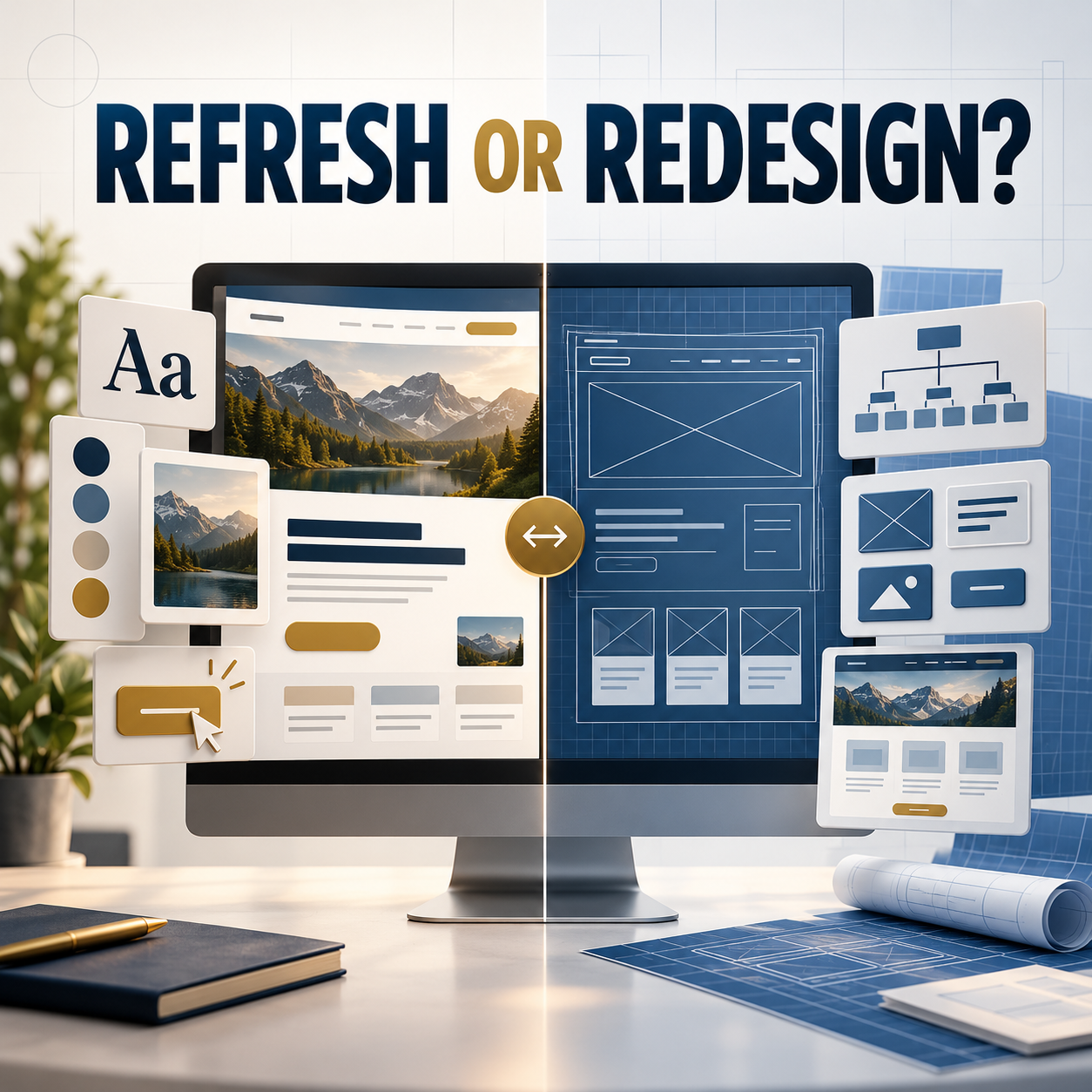
If you are unsure whether the current site needs selective improvements or a rebuild, review the guide to choosing between a website refresh and a full redesign.
Write down the features and integrations you actually need
Features affect cost, schedule, platform choice, privacy, and maintenance. Separate must-have launch requirements from ideas that can wait. Describe the business need instead of naming a tool unless the tool is required.
Potential requirements include:
- Contact, quote, application, intake, or upload forms
- Appointment scheduling or availability calendars
- Payments, deposits, subscriptions, memberships, or online sales
- CRM, email marketing, POS, inventory, or fulfillment connections
- Private client, staff, or member areas
- Multiple locations, service areas, languages, or departments
- Accessibility, privacy, security, or industry-specific requirements
- Blogging, case studies, events, job listings, or resource libraries
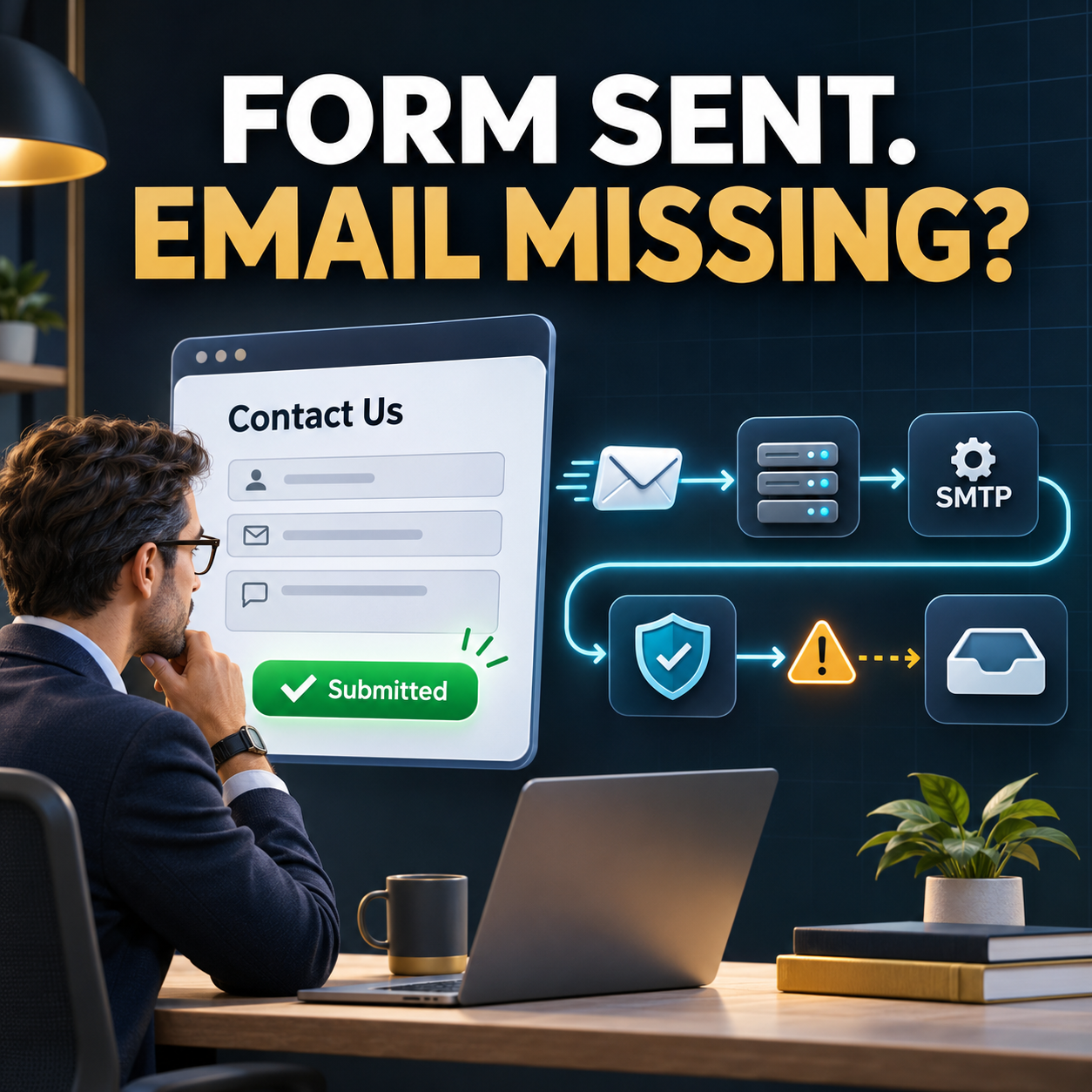
For each form, decide what information the business truly needs, who receives the submission, what the visitor sees next, and how quickly someone should respond. The article about what should happen after a contact form submission provides a practical workflow.
Set a realistic budget and understand what it includes
A useful budget is a range tied to priorities. Tell the designer which features and outcomes are essential and which can move into a later phase. Ask for one-time costs, recurring costs, optional services, and responsibilities to be separated.
Recurring expenses may include hosting, maintenance, support, software licenses, security services, search marketing, content, and domain renewal. A low build price can exclude writing, migration, forms, training, or post-launch support. A higher proposal may include those items. Compare scope before comparing totals.
OHS Publishing’s website plans and pricing page shows its current build and monthly service options. For a broader proposal review, use the guide to comparing web design quotes.
Choose a decision-maker and approval process
A website project becomes difficult when feedback arrives from several people at different times and points in different directions. Name one project lead who collects internal feedback and sends a single approved response to the designer. Identify anyone who must review legal, medical, technical, financial, or brand claims.
Agree on review windows before the project begins. If feedback takes two weeks instead of two days, the launch date moves even when the design work is on schedule. Decide how many revision rounds are included, what counts as a revision, and what happens when the project scope changes.
Provide any true deadline and explain why it matters. A grand opening, lease start, campaign, event, or seasonal launch may require a phased approach. A preferred date without a business dependency can remain flexible.
Prepare a one-page website project brief
You can bring the preparation together in a short brief. It does not need design language. Include:
- Business name, current website, and primary contact
- The website’s main business outcome
- Primary audiences and service area
- Priority services or products
- Likely pages and required features
- Existing content, photography, and brand assets
- Current domain, hosting, and platform
- Integrations and compliance needs
- Budget range and recurring-service expectations
- Desired timing, decision-maker, and reviewers
This brief gives every potential designer the same starting information. Their recommendations may differ, which is useful. You will be able to see who asks thoughtful questions, identifies risks, and explains tradeoffs rather than simply quoting a page count.
Questions to ask before signing
Preparation also helps you evaluate the provider. Ask:
- What work is included, and what is specifically excluded?
- Who writes the copy and supplies the images?
- Who owns the domain, website, content, and accounts?
- What platform will be used, and can the business edit it?
- How are mobile layouts, accessibility, forms, and browsers tested?
- How will old URLs and existing search visibility be protected?
- What training, launch support, hosting, maintenance, and backups are included?
- What recurring fees and third-party licenses are required?
- What happens if the business later changes providers?
If you are still deciding between building the site yourself and hiring help, read DIY website builder versus professional web designer before requesting proposals.
Frequently asked questions
Do I need finished website copy before hiring a web designer?
No. You should know who will create the copy and provide enough accurate source material for the work to begin. Confirm whether the proposal includes writing, editing, interviews, or only placement of final client-supplied text.
Should my business own the domain and hosting accounts?
Your business should retain control of the domain registration, billing, and recovery information. Hosting arrangements vary, but the contract should explain ownership, access, backups, and what happens if you move to another provider.
How much budget information should I share with a web designer?
Share a realistic range and identify the outcomes and features that matter most. A range helps the designer recommend an appropriate scope and separate launch essentials from work that can be completed later.
What access should I give a web designer?
Provide only the access needed for the agreed work, preferably through separate user invitations or secure sharing rather than ordinary email. Keep primary ownership, billing, and recovery information under business control.
What causes small-business website projects to take longer?
Common delays include missing copy or photos, slow or conflicting feedback, unavailable account access, changing requirements, and late approval from legal or other required reviewers. A named decision-maker and agreed review schedule reduce those delays.
Bring a clear starting point, not a finished design
The best preparation gives a web designer accurate business context and room to solve the problem. Clarify the outcome, audience, services, content, ownership, features, budget, and approval process. Gather the materials and access that already exist. Then expect the designer to improve the structure, identify gaps, and explain the decisions.
OHS Publishing helps Kansas City-area small businesses plan and build custom WordPress websites around clear customer paths and practical business goals. When your notes are ready, request a website quote and share what you are building, replacing, or improving.