What Should Happen After Someone Submits Your Website Contact Form?
A contact form submission feels like a finish line. A visitor found the website, understood the offer, trusted the business enough to share information, and clicked Submit. But for the business, that click is only the handoff. The lead still has to reach the right person, receive a useful response, and move into a clear next step.
This is where many otherwise capable websites quietly fail. The form works during a test, but notifications go to an inbox nobody watches. The visitor sees a vague “Thank you” message and has no idea what happens next. One employee assumes another employee replied. A promising inquiry waits through the weekend. The website generated a lead, but the process did not protect it.
If your site receives traffic but produces too few conversations, start with the broader issues in what to fix when website traffic is not turning into leads. If people are already submitting forms, use this guide to improve what happens after the click.
A Contact Form Is a Business Process, Not Just a Website Feature
The visible form is only one part of the system. Behind it are several decisions: what information to collect, where the submission is stored, who is notified, who owns the reply, what the prospect receives immediately, and how the business knows whether the process worked.
For cleaning companies, our guide to cleaning service intake questions helps determine what to collect before the inquiry enters this follow-up process.
Those decisions should be made deliberately. A clean form connected to a weak internal process can create the illusion that marketing is underperforming. The real problem may be that leads are delayed, misrouted, or never recorded. A practical website strategy focused on better inquiries should account for both the visitor experience and the team’s follow-through.
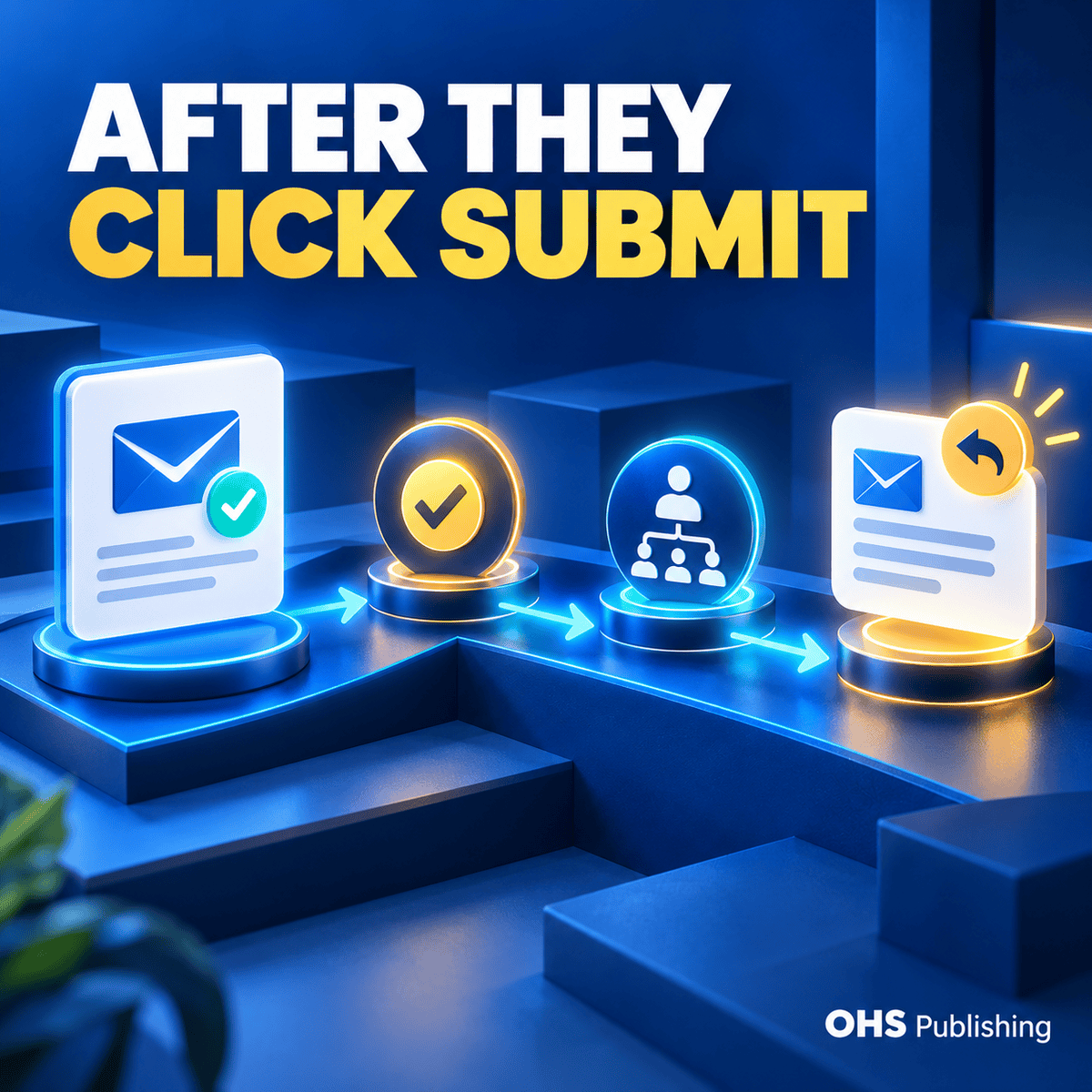
A dependable submission workflow has five basic stages:
- The visitor receives clear confirmation that the form was submitted.
- The submission is delivered to a monitored destination.
- One person or role becomes responsible for the response.
- The lead is recorded so it can be tracked through the sales process.
- The form and its notifications are tested on a routine schedule.
None of those steps needs to be complicated. They do need to be defined.
Start With a Clear Confirmation for the Visitor
After someone clicks Submit, the page should give an unmistakable success message. A button that simply changes color or a form that disappears can leave the visitor wondering whether anything happened. That uncertainty can lead to duplicate submissions, a follow-up phone call, or an abandoned inquiry.
Use an on-page success message
The confirmation should say that the message was received and explain the next step. Keep it specific enough to be useful without promising a response time the business cannot consistently meet.
For example: “Thanks—your request has been received. A member of our team will review it during business hours and follow up using the contact information you provided.” If calls are welcome for urgent requests, add the correct phone number and business hours. If the visitor needs to schedule, upload a file, or complete another step, link directly to it.
Send a confirmation email when appropriate
An automatic email gives the visitor a record of the request and reinforces what will happen next. It should identify the business, summarize the expected next step, and provide a legitimate reply path or phone number. Avoid making the message look like an advertisement. Its first job is reassurance.
Do not include sensitive details from the form unless there is a sound reason and the email process is suitable for that information. A simple acknowledgement is usually enough. If the form handles medical, financial, legal, or other sensitive information, the workflow deserves a more careful privacy and security review.
Collect Enough Information to Route the Lead—But Not Too Much
A contact form should help the business understand the request without making the visitor complete an intake interview. Every required field creates another decision and another opportunity to stop. At the same time, a form with only a name and an email address may give the team too little context to respond intelligently.
For many service businesses, a practical first-contact form asks for:
- Name
- Preferred contact method
- Email address and/or phone number
- A short description of the request
- Service or project type when that choice changes routing
- Location or service area when eligibility depends on geography
Only require fields that the team genuinely uses. Budget, timeline, company size, and detailed project questions can be valuable for some businesses, but they are not automatically appropriate for every first interaction. If a question helps prioritize or route the inquiry, keep it. If it exists because the form template included it, reconsider it.
For photographers, a first inquiry may need the shoot type, location, timeframe, and a short project description. Our photography portfolio website guide connects that simple intake process with the galleries and service pages that inspire inquiries.
For more complex workflows, OHS Publishing’s web development services can connect forms to scheduling tools, customer relationship systems, email platforms, payment processes, or other business systems. The right integration should remove repetitive work while preserving a clear owner for each lead.
Deliver Every Submission to a Monitored Destination
“Send form entries to the office email” sounds simple until the office email is a personal address, a former employee’s account, or a shared inbox filled with unrelated messages. The destination should be stable, accessible to the right people, and monitored during the hours the business promises to respond.
Avoid a single fragile notification
Email notification is useful, but it should not be the only record of the lead. Messages can be filtered, rejected, forwarded incorrectly, or overlooked. Whenever possible, store submissions in the website or send them to a CRM or another approved system so the team can confirm what arrived even if a notification fails.
If the site stores entries, decide who can access them and how long they should be retained. Do not treat the website dashboard as an unlimited filing cabinet. Keep only what the business needs, remove outdated access, and use a retention approach that fits the type of information collected.
Route by service, location, or urgency
A single inbox may work for a small team. A larger business may need conditional routing. A sales inquiry can go to one person, an existing-customer support request to another, and a request outside the service area to a general review queue. Routing should reflect how the business actually works, not an idealized org chart nobody follows.
Keep a fallback recipient in mind. If the primary person is out, leaves the company, or changes roles, there should be a way to update the route without rebuilding the form. Stable role-based addresses such as sales@ or support@ can help, provided someone is clearly responsible for watching them.
Assign Ownership Before the First Lead Arrives
A notification sent to five people does not create five responsible people. It often creates no responsible person because everyone assumes somebody else will handle it. Each type of inquiry should have one primary owner and a defined backup.
The owner does not need to close the sale personally. The owner needs to make sure the lead is acknowledged, qualified, and handed to the right next person. For a small company, that may be the owner. For a growing company, it may be an office manager, sales coordinator, dispatcher, or service-line lead.
Write down three simple rules:
- Who reviews new submissions?
- What should happen when the primary owner is unavailable?
- Where is the response and next step recorded?
Those answers prevent confusion when the business is busy—the exact time a good inquiry is easiest to miss.
Make the First Human Response Useful
A quick reply is helpful, but speed alone does not make the response effective. The message should show that a person understood the request and knows what should happen next.
A useful first response usually does four things:
- Addresses the person by name.
- Refers to the service, question, or problem they described.
- Answers the immediate question when possible.
- Offers one clear next action, such as a phone call, estimate appointment, consultation, or request for specific missing information.
Compare “We received your message and will get back to you” with “Thanks for asking about a website redesign. I reviewed your note about improving mobile inquiries. The next step is a short call so we can understand the current site and the pages you need. Here are two times that work.” The second response moves the conversation forward because it is connected to the request.
Templates can help with consistency, especially for common services. They should be starting points, not substitutes for reading the submission. Remove irrelevant sections, answer the actual question, and avoid overwhelming a new prospect with a long list of attachments and links.
Record the Lead and the Source
If form submissions live only in individual inboxes, the business cannot reliably answer basic questions. How many qualified inquiries came in? Which services generated them? Did the team follow up? Which pages or campaigns introduced the best opportunities?
The tracking system can be simple. A small team may use a shared CRM pipeline or another approved lead-management tool. The important part is consistent fields and status labels. Record the submission date, contact information, service requested, source when known, assigned owner, current status, and next action.
Use statuses the team understands, such as New, Contacted, Qualified, Estimate Scheduled, Won, Lost, or Not a Fit. Do not create so many stages that people stop updating them. The purpose is visibility: someone should be able to see what needs attention without searching several inboxes.
Track the conversion without exposing private information
Analytics should record that a successful submission occurred, not copy the visitor’s message, email address, phone number, or other personal details into analytics platforms. Configure tracking around a success event or confirmation page and verify that it fires only after a completed submission.
This makes marketing reports more useful. A click on the Submit button is not always a completed form; validation errors or connection problems may stop the submission. Track the confirmed result whenever the form system supports it.
Plan for Spam Without Punishing Real Prospects
Spam controls are necessary, but aggressive protection can block legitimate people or make the form difficult to use. Invisible anti-spam tools, sensible rate limits, honeypot fields, and server-side validation may reduce junk without forcing every visitor through a frustrating challenge.
Review blocked and accepted submissions periodically. If legitimate requests are disappearing, the form is not protected—it is broken. If junk suddenly increases, investigate before piling on several overlapping tools. Multiple security layers can conflict, slow the page, or create errors that are hard to diagnose.
Form plugins, site software, and email delivery settings also change over time. A dependable website maintenance plan should include updates, backups, security review, and functional checks rather than assuming the form will continue working forever because it worked at launch.
Test the Entire Workflow, Not Just the Submit Button
A form test is complete only when the whole chain succeeds. The person testing should use a real external email address, submit from both a phone and a desktop browser, and confirm every expected result.
Use this short routine:
- Complete every required field and test common validation errors.
- Submit from a mobile device and a desktop browser.
- Confirm that the success message appears once and is easy to understand.
- Check the visitor’s confirmation email, including the spam folder.
- Verify that the internal notification reaches the correct monitored inbox.
- Confirm that the submission is stored in the intended system.
- Check that the correct owner is assigned and the backup path works.
- Verify the analytics conversion event without sending personal data.
- Open every phone number, email address, calendar link, and next-step button.
Test after form-plugin updates, changes to email providers, staff departures, CRM changes, domain or hosting work, and major page edits. Also schedule a routine test even when nobody reports a problem. Silent failures are especially costly because the business may not know what it missed.
Watch for Signs the Workflow Needs More Than a Small Fix
Some problems can be corrected by changing notification addresses or improving the confirmation message. Others reveal a larger issue with the site or internal process.
A broader review may be needed when:
- Different forms send to different, outdated inboxes.
- The team cannot tell which page or campaign produced an inquiry.
- Mobile visitors abandon a long or awkward form.
- Submissions are not saved anywhere outside email.
- Spam filters regularly catch real inquiries.
- The form asks for information nobody uses.
- Several people receive the alert but nobody owns the reply.
- The website and CRM contain conflicting or duplicate records.
In those cases, review the form as part of the overall customer journey. OHS Publishing’s small-business web design services can help align the page, form, confirmation, routing, and follow-up path. If you are not sure where the breakdown begins, a free website and SEO audit can provide a practical starting point.
Build a Handoff You Can Trust
A contact form should do more than send an email. It should reassure the visitor, preserve the inquiry, notify the right person, support a useful response, and give the business a record of what happened. When those pieces are connected, the website becomes easier to manage and leads are less likely to vanish between marketing and sales.
Start by submitting your own form today. Follow the inquiry from the visitor’s screen to the final destination. If any step depends on memory, a personal inbox, or an assumption that “someone handles it,” that is the next place to improve.
OHS Publishing can review the full path and help build a form workflow that fits how your business actually responds. Request a quote to discuss the website, integrations, or maintenance work needed to make the handoff dependable.