Why Your Website Gets Traffic but No Leads—and What to Fix First
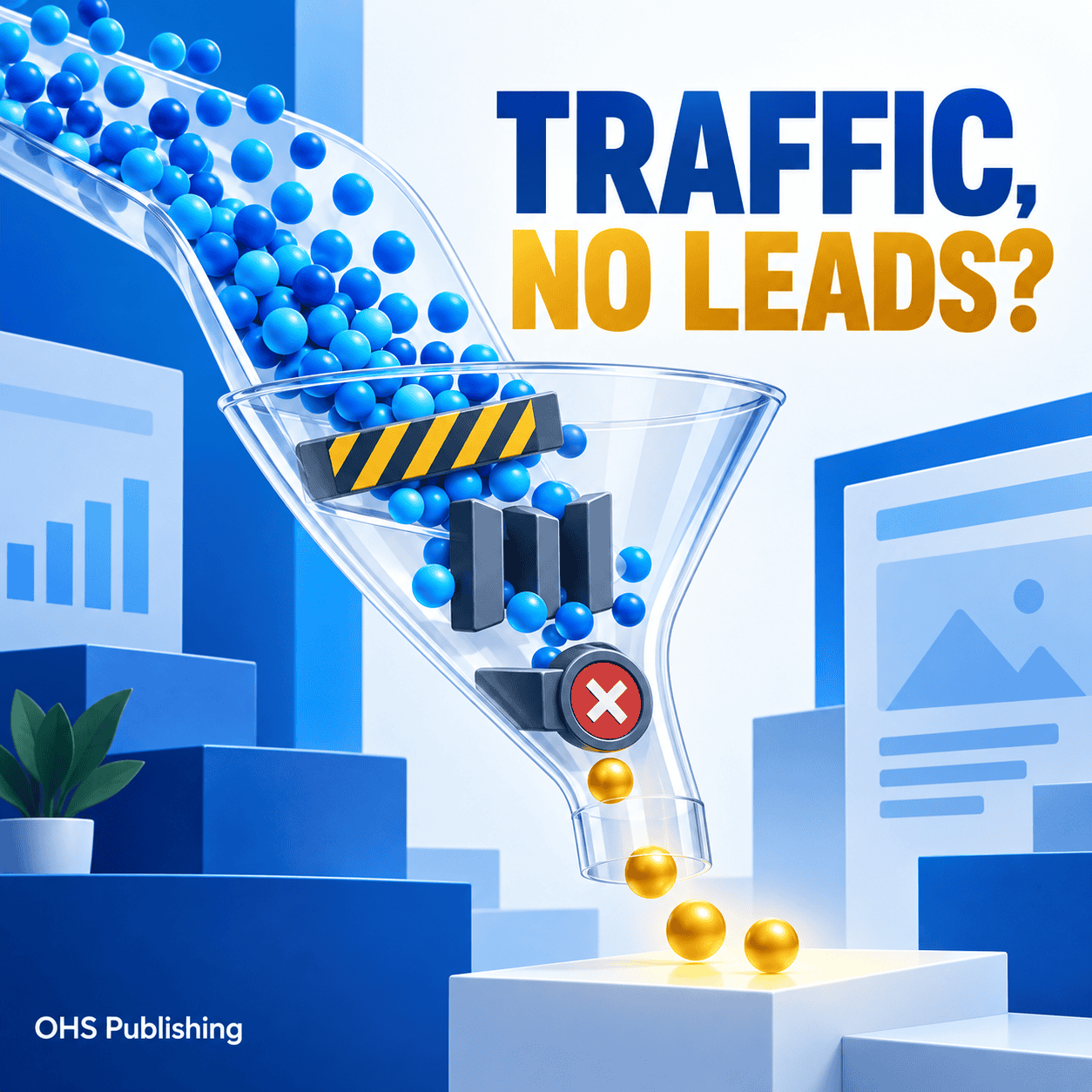
Seeing website traffic without receiving calls, quote requests, bookings, or sales is frustrating. The numbers suggest people are finding the business, but the results do not follow. It is tempting to assume the website needs more traffic, a new design, or a larger advertising budget.
Any of those could be part of the answer. They are not the first conclusion to make. Traffic can fail to become leads because the wrong people are arriving, the page does not match what they expected, the business is hard to understand, trust is missing, or the contact process creates too much friction. Sometimes the website is producing leads and the tracking is simply incomplete.
The useful question is not only, “Why is my website not converting?” It is, “Where does the visitor’s decision break down?” Once that point is identified, a business can make focused improvements instead of changing everything at once.
Traffic Is Not the Same as Buying Intent
A website visit tells you that someone loaded a page. It does not tell you whether that person needs the service, lives in the service area, can afford the work, or is ready to contact anyone.
A blog article may attract someone researching a future project. A service page may attract a person comparing providers today. A paid ad may generate a click because the headline caught attention even though the visitor misunderstood the offer. Those visits should not be judged as if they carry the same intent.
Before blaming the website, separate traffic into useful groups:
- Source: organic search, paid search, social media, referral, email, or direct traffic
- Landing page: the first page viewed during the visit
- Device: mobile, desktop, or tablet
- Location: whether the visitor is inside the real service area
- Action: calls, form submissions, texts, bookings, purchases, or another meaningful next step
This distinction matters. If a blog post is growing but service-page traffic is flat, the business may have an attention problem rather than a conversion problem. If service pages receive qualified local visits but nobody contacts the company, the website experience deserves closer attention.
Start by Finding Where the Lead Path Breaks
A conversion path begins before the visitor reaches the website. It includes the search result, ad, social post, referral, landing page, service information, proof, call to action, form or phone link, confirmation, and follow-up.
A break at any point can make the entire path appear unsuccessful.
Define what counts as a lead
Do not measure success only by a general contact-form total. A lead may arrive through a phone call, text message, booking tool, product inquiry, email link, quote form, or live-chat conversation. Decide which actions matter and make sure each can be identified.
Also separate meaningful actions from weak signals. A five-second visit is not a lead. A button click may not be a lead if the form never submits. A thank-you page view, completed booking, connected phone call, or confirmed form submission gives a clearer picture.
Review the actual queries and landing pages
For organic search, Google’s Search Console performance guidance explains how to review the queries and pages bringing search traffic. Look for a sensible match between the visitor’s search and the page that received the click.
If the site gets visits for informational phrases but the business needs immediate service inquiries, the content plan may need more buyer-focused service and location pages. OHS Publishing’s SEO and local search services are built around strengthening those high-value pages and the paths connecting them.
Test every contact option from beginning to end
Use a phone and a desktop computer. Click the phone number. Submit each form. Check the destination inbox. Test automated confirmations. Verify that required fields behave correctly and that the form does not fail silently.
This sounds basic, but a broken form, outdated email address, spam-filter problem, or non-clickable mobile phone number can erase leads while the website continues to look normal. A broader small business website audit checklist can help uncover related problems beyond the lead path.
Four Problems That Stop Visitors Before They Trust the Business
1. The opening message is unclear
A visitor should be able to understand the basic offer within a few seconds. The top of the page should answer three questions:
- What does this company do?
- Who or what area does it serve?
- What should the visitor do next?
Statements such as “Quality You Can Trust” or “Solutions Built for You” could describe almost any company. They use valuable space without helping a visitor decide whether the business fits the need.
A clearer opening names the primary service, the audience or market when relevant, and the next action. It does not need to explain the entire company. It needs to make the right visitor confident enough to continue.
2. The page does not match the reason for the visit
Visitors arrive with expectations created somewhere else. Someone who clicks an ad for emergency roof repair expects to land on a page about emergency roof repair—not a general homepage that makes them search again. Someone looking for counseling for a specific concern expects to see that concern addressed clearly.
This is especially important for paid traffic. Sending every campaign to the homepage can weaken an otherwise well-targeted campaign. The page should continue the promise made in the ad, use similar language, answer the next questions, and provide a relevant action. OHS Publishing’s pay-per-click campaign service connects ad targeting with the landing-page experience rather than treating the click as the finish line.
3. The service information is too thin
A list of service names rarely gives a buyer enough information. Visitors want to know whether the company handles their specific problem, what the process looks like, who the service is for, what affects the decision, and what happens after they reach out.
Strong service pages do not need to answer every possible question. They should answer the questions that stand between interest and contact. A plumber might explain the difference between repair and replacement situations. A professional firm might explain the first consultation. A retailer might clarify shipping, returns, sizing, or availability.
For an industry example, the guide to building a useful home service website shows how service pages, locations, proof, and contact options work together.
4. Claims appear without proof
Visitors expect businesses to describe themselves positively. Words such as experienced, dependable, professional, and high-quality carry more weight when the page supports them with something specific.
Useful proof can include real project photos, reviews, case examples, team information, years in business, service details, accurate licenses or certifications, process explanations, and recognizable client work. The right proof depends on the business. A healthcare practice needs different reassurance than a contractor or online store.
Proof should appear near the decision it supports. Do not hide every review on a separate page if the service page is where visitors hesitate. OHS Publishing’s web design portfolio is an example of using completed work to make capabilities easier to evaluate.
Four Problems That Make Contact Harder Than It Should Be
5. The call to action is vague or buried
“Learn More” can be useful when the next step is another informational page. It is weak when the business wants a quote request, booking, or phone call.
Use action language that tells the visitor what will happen: Request a Quote, Schedule a Consultation, Call for Service, Check Availability, or Ask About Your Project. Place the primary action near the top of the page and repeat it naturally after important sections. On mobile, make phone and text options easy to tap.
One page can offer a primary and secondary action without creating confusion. For example, “Request a Quote” may be primary while “Call Now” serves visitors with an urgent need.
6. The form asks for too much too soon
Detailed forms can help qualify a complex project, but every required field asks the visitor to invest more time and disclose more information. The first form should collect what the business truly needs to respond well.
Name, reliable contact information, and a short description may be enough for an initial conversation. Additional questions can be optional or handled during follow-up. If the form must be long, explain why the information is needed and show progress clearly.
Make errors specific. If a phone number is formatted incorrectly, point to that field instead of clearing the entire form. After submission, show a clear confirmation and explain what the visitor should expect next.
7. The mobile experience adds friction
A page can look polished on a wide monitor and become difficult on a phone. Common mobile problems include oversized headers, text covered by images, tiny buttons, intrusive popups, forms that extend beyond the screen, and contact actions that disappear inside the menu.
Test the page as a customer would. Hold the phone in one hand. Try to understand the offer, review proof, tap the primary action, complete the form, and return to the previous section. The path should work without zooming, hunting, or closing several overlays.
A professional conversion-focused web design should support the same business goal across screen sizes, not merely shrink the desktop layout.
8. The page feels slow or unreliable
Large images, unnecessary scripts, outdated plugins, poor hosting, and overloaded page builders can delay the content people need. Layout elements that jump while loading can also cause visitors to tap the wrong button or lose their place.
Test the actual landing pages, not only the homepage. Google’s PageSpeed Insights can identify mobile and desktop performance issues, but do not focus on a score alone. Pay attention to whether the main message, navigation, and contact options become usable quickly on real devices and connections.
Reliability matters too. Forms, booking tools, payment systems, and third-party integrations should be monitored after updates. If the site runs on WordPress, a well-managed website maintenance plan helps protect these working parts over time.
Four Strategy Problems That Hide the Real Cause
9. The website avoids the questions buyers actually have
People hesitate when essential details are missing. They may wonder whether the company serves their city, works with their type of project, offers the needed timeline, accepts their insurance, provides delivery, or handles ongoing support.
Not every business should publish fixed prices or promise exact timelines. It can still explain what affects cost, how estimates work, what information is needed, and what happens after the inquiry. Helpful boundaries attract better-fit leads while reducing repetitive questions.
10. One generic page tries to serve everyone
A homepage cannot fully answer every service, industry, and location need. When every visitor receives the same broad message, the site may feel relevant to nobody.
Create dedicated pages when the audience’s questions genuinely differ. A commercial service may need different proof and terminology than a residential service. A city page should add useful local context, not merely swap a place name. A landing page for an ad should focus on the offer behind that campaign.
This does not mean creating dozens of thin pages. It means giving important audiences a focused path with enough substance to support a decision.
11. More traffic is purchased before the current path is fixed
If a page is unclear, unconvincing, or broken, sending more people to it usually increases the number of missed opportunities. Before raising an ad budget, verify the offer, landing-page match, mobile experience, contact process, and conversion tracking.
The same principle applies to SEO. Ranking a weak page can increase visits without improving inquiries. Search visibility and conversion work should support each other: attract the right visitor, answer the right need, and make the next step easy.
12. Tracking and follow-up are incomplete
A website may be producing more interest than the reports show. Phone calls may not be tracked. Form notifications may go to spam. A booking tool may not pass confirmation data to analytics. Staff may record only closed sales and overlook the original lead source.
Review the full handoff:
- Does each lead action record a successful completion?
- Does the inquiry reach the correct person quickly?
- Is the source stored in the CRM or lead record?
- Is there a clear response process?
- Can the business distinguish qualified leads from spam and unrelated requests?
Conversion tracking does not improve the page by itself. It shows which pages, campaigns, and fixes deserve attention.
What to Fix First: A Practical Order of Operations
Do not begin with colors, animations, or a complete redesign unless the evidence points there. Start with problems that can block every lead.
Priority 1: Repair anything broken
Test forms, phone links, booking systems, checkout steps, confirmation messages, security warnings, and mobile controls. Fix failures before evaluating persuasion or design.
Priority 2: Clarify the offer and next step
Rewrite the opening message so the right visitor can quickly understand the service, fit, and action. Replace vague buttons with specific language. Make the primary action visible without requiring a search.
Priority 3: Strengthen the decision-making content
Add the service details, process explanations, proof, and buyer questions that are currently missing. Put the strongest evidence near the areas where hesitation is most likely.
Priority 4: Match traffic sources to focused pages
Review which searches, ads, and campaigns lead to each page. Redirect the strategy—not necessarily the URL—so high-intent visitors receive a page built around their need.
Priority 5: Measure before and after
Record a baseline for qualified visits, calls, completed forms, bookings, and other meaningful actions. Make a focused set of changes, then compare performance. Avoid changing the headline, page structure, form, offer, ad targeting, and budget at the same time if you want to understand what helped.
A Simple Example: Traffic Is Growing, but Quote Requests Are Flat
Imagine a local remodeling company whose traffic increased after publishing several helpful articles. The total visitor count looks encouraging, but quote requests barely move.
A closer review shows that most new traffic enters through planning articles. Those readers are early in the process. The kitchen-remodeling service page receives fewer visits, has a generic opening, shows no project examples near the quote button, and asks for twelve required form fields.
The answer is not to discard the articles. They are doing their job by attracting research traffic. The better plan is to connect relevant articles to the service page, improve that page’s message and proof, shorten the first-step form, and make sure paid campaigns land on the same focused experience. The business can then measure service-page visits and completed inquiries separately from total traffic.
This approach turns “the website does not work” into a set of specific, testable problems.
Does the Website Need Optimization or a Full Redesign?
Targeted optimization may be enough when the website is technically sound, mobile-friendly, easy to update, and reasonably aligned with the brand. A business may need clearer copy, stronger proof, better service pages, simpler forms, or improved tracking rather than a new site.
A redesign becomes more practical when the problems are structural: the platform is difficult to manage, mobile layouts repeatedly fail, navigation cannot support important services, templates limit the needed changes, technical issues are widespread, or the site no longer represents the business accurately.
The goal is not to redesign for the sake of looking newer. It is to create a stronger foundation for clarity, trust, search visibility, and lead generation. When that foundation needs to be rebuilt, custom WordPress web design can provide more room to organize services, content, and conversion paths properly.
Frequently Asked Questions
Why am I getting website traffic but no leads?
The most common causes are low-intent or poorly targeted traffic, an unclear offer, a mismatch between the traffic source and landing page, weak proof, hidden calls to action, difficult forms, mobile friction, broken contact tools, or incomplete tracking. Review the full path before assuming that more traffic is the answer.
How can I tell whether the problem is my traffic or my website?
Compare traffic sources, search queries, landing pages, locations, devices, and completed lead actions. If qualified visitors reach a relevant service page but do not contact the business, the page or contact experience may be the problem. If most visits come from unrelated or early-research searches, traffic quality and content targeting may need attention first.
What website conversion problem should I fix first?
Fix anything that prevents contact first, including broken forms, phone links, booking tools, security warnings, or mobile controls. Next, clarify what the business offers and make the primary action obvious. After that, improve service detail, proof, traffic-to-page alignment, performance, and tracking.
Do I need a complete website redesign to get more leads?
Not always. A technically sound website may improve through focused changes to messaging, page structure, proof, calls to action, forms, and tracking. A redesign is more appropriate when the site has broad structural, technical, mobile, branding, or content-management limitations that make those improvements difficult.
How should I measure whether website changes are working?
Track meaningful outcomes such as connected calls, completed forms, bookings, purchases, and qualified inquiries. Compare those outcomes by traffic source and landing page before and after a focused change. Total traffic, button clicks, and page views can provide context, but they should not replace lead-quality measurement.
Turn More of the Right Visits Into Real Conversations
A website does not need to persuade every visitor. It needs to help the right people recognize that the business fits their need, find enough information to feel confident, and take a clear next step.
If your website is receiving traffic without producing enough qualified inquiries, OHS Publishing can review the full path—from search or ad to landing page, trust, contact, and tracking. Start with the free Website & SEO Audit, or request a quote for hands-on improvements.