What Happens When You Don’t Maintain a WordPress Website?
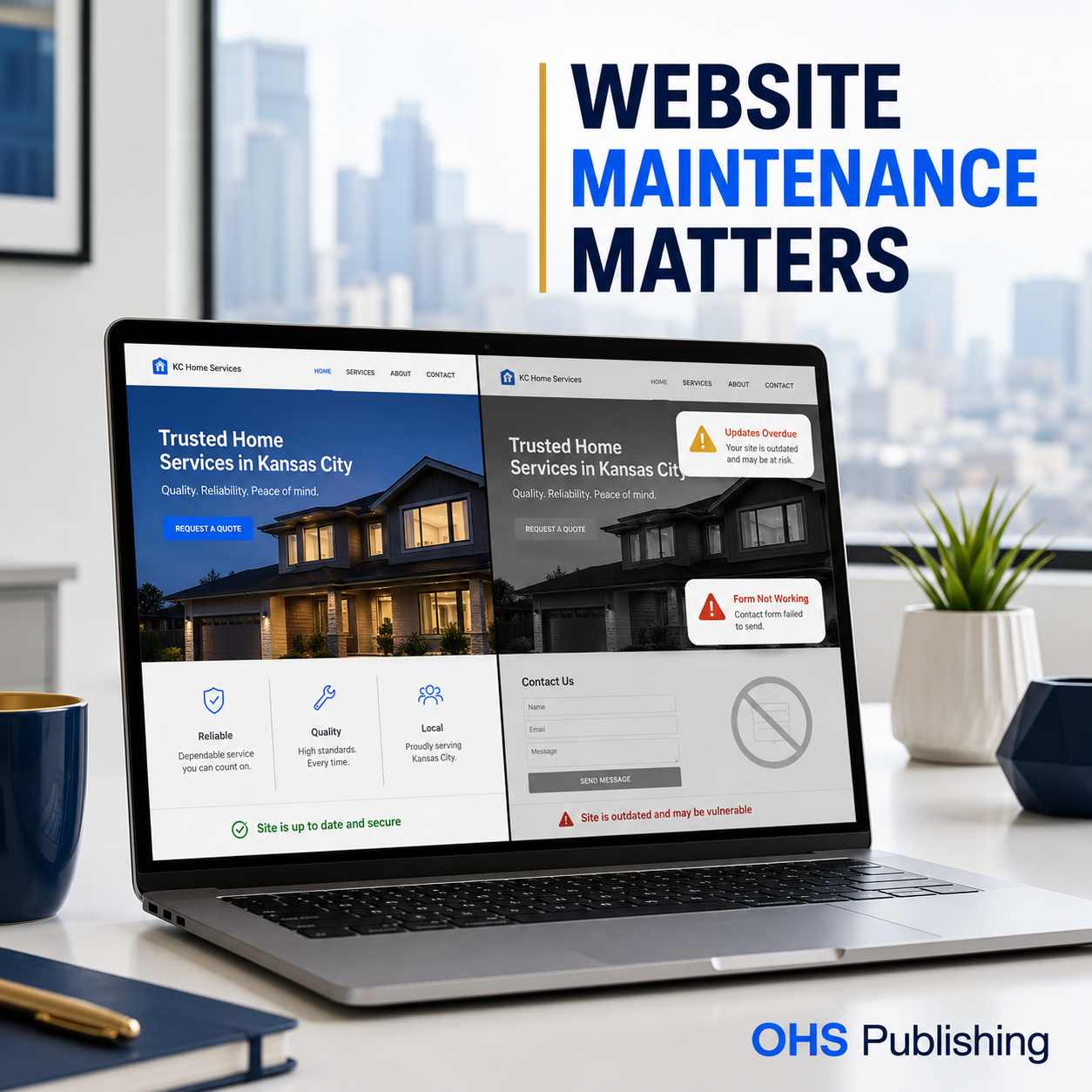
A WordPress website can keep loading for a long time without anyone paying much attention to it. That is what makes website neglect easy to underestimate.
The homepage still appears. The phone number is still there. A few pages may look the same as they did last year. From the outside, everything seems fine.
Behind the scenes, however, WordPress core files, themes, plugins, forms, hosting software, security rules, integrations, and browser requirements continue to change. When those moving parts are ignored, the website slowly becomes less reliable. Sometimes the decline is gradual. Other times, one update, expired license, security vulnerability, or hosting change causes a visible problem overnight.
For a Kansas City small business, the cost is not limited to fixing a broken page. A neglected website can lose quote requests, weaken customer trust, interrupt advertising, create security problems, and make future repairs more expensive.
That is why WordPress website maintenance is not busywork. It protects a business asset that supports search traffic, referrals, social media, paid ads, email campaigns, and everyday customer decisions.
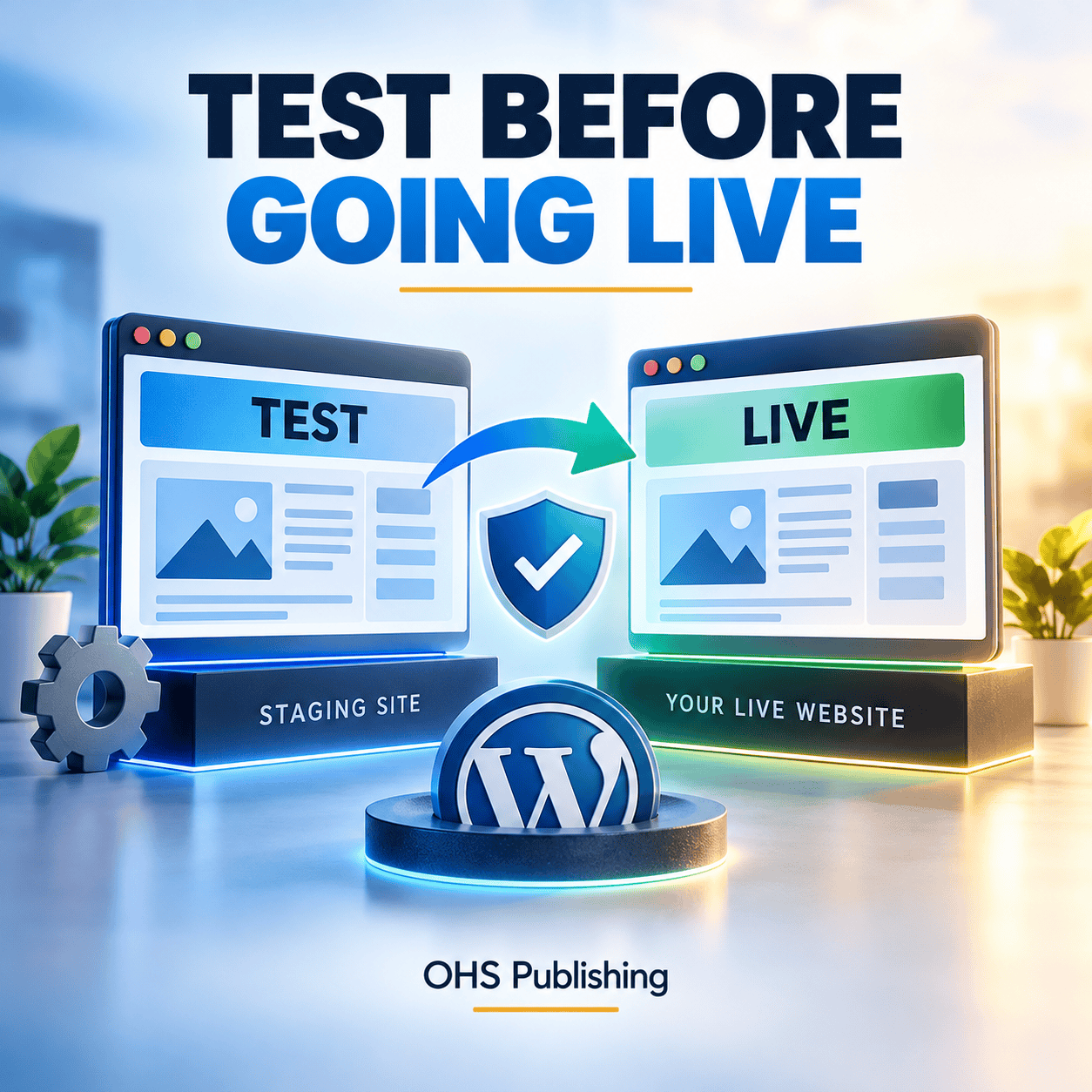
A WordPress staging test can also catch broken forms, layouts, and integrations before an update reaches the public website.
A WordPress Website Is Software, Not a Printed Brochure
A printed brochure does not change after it leaves the printer. A website does.
WordPress itself receives updates. Plugin developers release new versions. Themes evolve. Hosting companies update PHP versions and server configurations. Browsers change how they handle code, privacy, and security. Third-party services revise their APIs. Spam tactics and security threats also keep changing.
Your website depends on these pieces continuing to work together:
- WordPress core
- The active theme and any child theme
- Plugins and premium-plugin licenses
- Forms, email delivery, scheduling, payments, maps, and other integrations
- The hosting environment and PHP version
- SSL certificates, DNS, backups, and security controls
- Content, contact information, service details, and calls to action
The official WordPress updating documentation recommends keeping WordPress current and creating a backup before updating. WordPress also advises keeping plugins updated because updates can improve code quality, security, and performance in its guide to managing WordPress plugins.
Installing updates is only one part of maintenance, though. Someone still needs to confirm that the site works after the updates are applied.
1. Security Risk Increases as Updates Pile Up
Many WordPress updates address bugs or compatibility problems. Some address security vulnerabilities. When an outdated component remains installed, the website may continue using code with a known weakness even after a safer version is available.
That does not mean every overdue update leads to an immediate infection. It means the risk grows unnecessarily.
This applies to inactive plugins and themes too. If unused software remains installed, it can still become part of the site’s attack surface. A good maintenance routine reviews what is installed, removes what is no longer needed, and keeps the remaining software current.
The National Institute of Standards and Technology recommends keeping software updated and patched. Its cybersecurity basics for small businesses explain why routine updates belong in an ongoing security plan.
When a website is compromised, the impact can include:
- Spam pages appearing in search results
- Visitors being redirected to another website
- Browser or antivirus warnings
- Unauthorized administrator accounts
- Malicious files hidden inside the site
- Email deliverability problems
- Search visibility losses
- Hosting suspension
- Time-consuming cleanup and recovery
If a site is already infected or showing warnings, updates alone may not remove the problem. That situation needs a proper investigation and, when necessary, professional website malware removal.
2. Plugins and Themes Can Stop Working Together
WordPress websites are built from components created by different developers. A form plugin may depend on a particular WordPress function. A page builder may need a supported PHP version. A theme may change how it loads scripts. A caching or security plugin may conflict with another tool.
When updates are postponed for months or years, the gap between components becomes larger. Updating everything at once can then be riskier than handling smaller, regular updates with backups and checks along the way.
Common compatibility symptoms include:
- A white screen or critical-error message
- Missing page sections
- Broken menus or mobile navigation
- Layout changes after an update
- Features that work for an administrator but not for visitors
- Slow dashboard performance
- Checkout, booking, or login errors
This is one reason clicking “update all” is not the same as maintaining a website. Updates should be paired with a current backup, compatibility awareness, and a quick review of the pages and functions that matter most.
3. Contact Forms Can Fail Quietly
A completely broken website gets attention. A form that looks successful but never delivers the message is more dangerous because the business may not realize anything is wrong.
Forms can fail because of plugin conflicts, expired integrations, email-authentication changes, spam filtering, hosting restrictions, or an incorrect destination address. A visitor may fill out the form, see a confirmation, and assume the company received it. The business sees nothing.
That lost inquiry may have been an estimate, appointment, catering request, legal consultation, service call, or new customer.
Businesses that depend on their website for leads should test important forms regularly. A useful test does more than confirm that the button works. It checks that:
- The form submits without an error.
- The confirmation message or thank-you page appears.
- The notification reaches the intended inbox.
- The reply-to address works correctly.
- Any CRM, payment, calendar, or automation connection receives the information.
- The submission is stored somewhere recoverable when appropriate.
This matters especially for contractors and other lead-driven businesses. OHS Publishing’s industries overview shows how different businesses rely on estimates, bookings, calls, and service requests. If the conversion path fails, the website can look polished while producing nothing.
4. Backups May Be Missing, Incomplete, or Unusable
Many business owners assume their hosting company is taking care of backups. Some hosts do provide backups, but the details vary. The backup may be retained for only a short period. It may sit on the same hosting account as the website. It may not include everything. Restoring it may require a support request. In other cases, nobody has verified that a recent backup can actually be restored.
A backup strategy should answer practical questions:
- How often are the database and website files backed up?
- How many restore points are retained?
- Is a copy stored separately from the live website?
- Does the backup include uploaded images and configuration files?
- Who can access it?
- How quickly can the website be restored?
- Has the restore process ever been tested?
Backups matter before routine updates, but they are also essential when a site is hacked, a file is deleted, a server fails, or a change creates an unexpected problem. A backup that cannot be found or restored is not much of a safety net.
Our guide to small-business website hosting explains how server support, backups, security, and website maintenance fit together.
5. The Website Can Become Slower Over Time
Website speed problems do not always begin with one dramatic failure. They can build gradually as the site collects oversized images, unused plugins, database clutter, outdated scripts, tracking tools, third-party widgets, and features nobody reviews.
Slow pages create friction for visitors, especially on mobile connections. A potential customer may leave before reading the offer or reaching the contact button. Slow administration can also make ordinary updates harder for the business owner.
Maintenance can uncover avoidable problems such as:
- Large images uploaded without proper sizing or compression
- Plugins that duplicate the same function
- Old plugins that still load scripts on every page
- Broken links and missing resources
- Caching that is absent or incorrectly configured
- Database tables left behind by removed plugins
- Third-party embeds that delay the page
- Hosting or PHP settings that no longer fit the website
Performance work should be measured and prioritized. Removing a useful feature just to improve a test score is not always the right decision. The goal is a website that loads reliably and helps real visitors take action.
6. Mobile Problems Can Go Unnoticed
Business owners often view their own website from the same desktop computer. Customers may arrive from many screen sizes, browsers, and phones.
A page can look correct on desktop while showing overlapping text, cropped images, tiny buttons, awkward spacing, or a form that is difficult to complete on mobile. New content can also introduce problems if an image, table, embed, or headline was not checked at smaller widths.
Regular maintenance should include a practical mobile review of high-value pages:
- Homepage
- Main service pages
- Contact and quote pages
- Location pages
- Landing pages used by ads
- Booking, payment, or checkout steps
The review does not need to test every device on the market. It should confirm that the main customer journey remains clear and usable on common mobile and desktop sizes.
7. Content Becomes Outdated—and Trust Suffers
Technical maintenance protects the machinery. Content maintenance protects credibility.
Customers notice old hours, former employees, expired promotions, services a company no longer offers, old pricing, broken social links, and copyright dates that have not changed in years. They may not report the error. They simply become less confident.
Outdated content can also create operational problems. A customer may call about a discontinued service, visit the wrong address, use an old email address, or expect a price that is no longer available.
A maintenance review should verify:
- Phone numbers, email addresses, hours, and locations
- Service descriptions and service areas
- Team and provider information
- Pricing or financing language
- Forms and calls to action
- Privacy, terms, and other business policies
- Testimonials and portfolio examples
- Links to external platforms
For companies serving Kansas City, the Northland, Johnson County, Platte County, or several nearby cities, location content also needs attention as the business’s real service area changes. The OHS Publishing locations directory illustrates how city and county pages work together. Those pages should remain accurate, useful, and connected—not simply exist as forgotten SEO pages.
8. SEO Work Can Be Undermined by Technical Neglect
Website maintenance and SEO are not identical services, but they support one another.
SEO content cannot perform at its best if important pages return errors, internal links are broken, the site is extremely slow, forms do not work, or malware warnings scare visitors away. A neglected plugin can alter page output. A deleted image can weaken a page. A careless redesign can remove headings, metadata, structured data, or URLs that had been earning traffic.
Regular checks help identify:
- Broken internal and external links
- Pages accidentally set to noindex
- Missing or duplicated titles and descriptions
- Redirect problems
- Sitemap or indexing issues
- Schema errors
- Missing images and alt text
- Pages that need fresher information
- New content that should link to established service and location pages
If you want a broader review of design, content, trust, usability, and visibility, use the OHS Publishing guide on how to audit a small business website. For ongoing search improvements beyond routine care, explore Kansas City SEO services.
9. Paid Advertising Can Send Money to a Broken Destination
A Google, Microsoft, Facebook, or Instagram ad may continue running even when something on the landing page has changed.
If the page loads slowly, a form fails, a phone button is broken, or an offer is outdated, the advertising platform can keep charging for visits. The campaign may look like the problem when the real issue is the page receiving the traffic.
Before and during any paid campaign, the landing page should be checked for:
- Message consistency with the ad
- Working call, text, and form buttons
- Fast mobile loading
- Accurate offer details
- Correct conversion tracking
- A clear thank-you or confirmation step
- No security or browser warnings
Maintenance protects more than the website. It protects the marketing budget connected to it.
10. Small Problems Become More Expensive Projects
Regular attention tends to keep work manageable. Long periods of neglect make diagnosis harder.
A developer taking over an outdated site may need to update through several major versions, replace abandoned plugins, repair custom code, move the site to a supported PHP version, rebuild forms, remove malware, or recreate pages that no longer work with the current theme.
In some cases, repairing the old system costs more than rebuilding the affected section. The business also faces more downtime and uncertainty because there is no clean recent baseline.
Preventive maintenance cannot guarantee that nothing will ever break. It does reduce avoidable risk and gives the business a clearer recovery path when something does go wrong.
What Should a WordPress Maintenance Plan Include?
A useful plan should be specific enough that the business knows what is being handled. Depending on the website, it may include:
- WordPress core, theme, plugin, and script updates
- A reliable backup and restore process
- Security and malware monitoring
- Uptime checks
- Form and lead-path testing
- Compatibility checks after important updates
- Basic performance review
- Broken-link and visible-error checks
- Routine content changes
- Help when a plugin, form, or page stops working
- Recommendations as the site’s needs change
Some websites need only essential care. Others need hands-on content support, frequent product or provider updates, custom integrations, e-commerce testing, or ongoing SEO. The right plan depends on what the site does and how costly a failure would be.
OHS Publishing builds WordPress websites for Kansas City businesses and provides ongoing support after launch. The goal is not to apply updates blindly. It is to keep the website secure, usable, current, and ready to support the business.
How Often Should a WordPress Website Be Checked?
There is no single schedule that fits every website. A small informational site and a busy WooCommerce store do not carry the same risk.
As a practical starting point:
- Continuously or daily: uptime, security alerts, backup status, and critical failures
- Weekly: available updates, high-priority forms, visible errors, and recent changes
- Monthly: broader plugin/theme review, performance, broken links, analytics anomalies, and content accuracy
- Quarterly: full customer journey, mobile experience, service and location information, user access, unused software, and growth priorities
- Before and after major campaigns: landing pages, forms, tracking, calls to action, and offer details
High-traffic, e-commerce, membership, healthcare, or lead-critical websites may need more frequent testing.
Do Automatic Updates Replace Website Maintenance?
No. Automatic updates can be useful, especially for routine security releases, but they are one tool—not a complete plan.
WordPress notes that automatic plugin and theme updates depend on the website’s configuration and scheduled tasks. Its auto-update documentation also recommends regular backups so a site can be rolled back if something goes wrong.
Automatic updates do not confirm that:
- The layout still looks correct
- A form notification reaches the inbox
- A premium license remains active
- A plugin has been abandoned
- A backup is restorable
- A third-party integration still works
- Important content is accurate
- A security alert received a response
Automation helps with maintenance. It does not remove the need for ownership and verification.
Protect the Website Your Business Depends On
Your website may support every part of your marketing without appearing on a daily task list. People visit it after finding your business in search, seeing an ad, receiving a referral, reading a social post, or noticing your company in the community.
When the site works, that journey feels simple. When it does not, potential customers may leave without telling you why.
If your WordPress dashboard is full of overdue updates, you are unsure whether backups are working, or nobody is testing your forms, now is the time to create a clear maintenance plan.
OHS Publishing helps Kansas City businesses keep WordPress websites updated, protected, and working properly. We can review the current condition of your site, identify the most important risks, and recommend the right level of ongoing support.
Frequently Asked Questions About WordPress Website Maintenance
Does a small business WordPress website really need maintenance?
Yes. WordPress core, themes, plugins, hosting software, forms, and integrations change over time. Maintenance helps keep those pieces updated, secure, compatible, and working properly.
Can I just enable automatic updates?
Automatic updates can handle part of the process, but they do not test the website afterward, verify backups, check forms, review content, or respond to compatibility and security problems.
What happens if WordPress plugins are not updated?
Outdated plugins may miss security fixes, become incompatible with WordPress or PHP, slow the site, or stop important features from working. The exact risk depends on the plugin and the website.
How often should website forms be tested?
Lead-critical forms should be tested regularly and after updates or hosting changes. Businesses running advertising should also test the landing-page form and conversion path before and during the campaign.
Is website maintenance the same as SEO?
No. Maintenance focuses on keeping the website healthy, secure, current, and functional. SEO focuses on improving search visibility and relevant traffic. They support each other because SEO performs better on a stable, usable website.
What should I do if my website is already infected?
Avoid assuming that installing updates will remove the infection. The site should be investigated, cleaned, secured, and checked for unauthorized changes. If browsers, search engines, or hosting providers are showing warnings, seek professional malware-cleanup help promptly.