Why Your Google Ads Aren’t Getting Impressions: 12 Things to Check
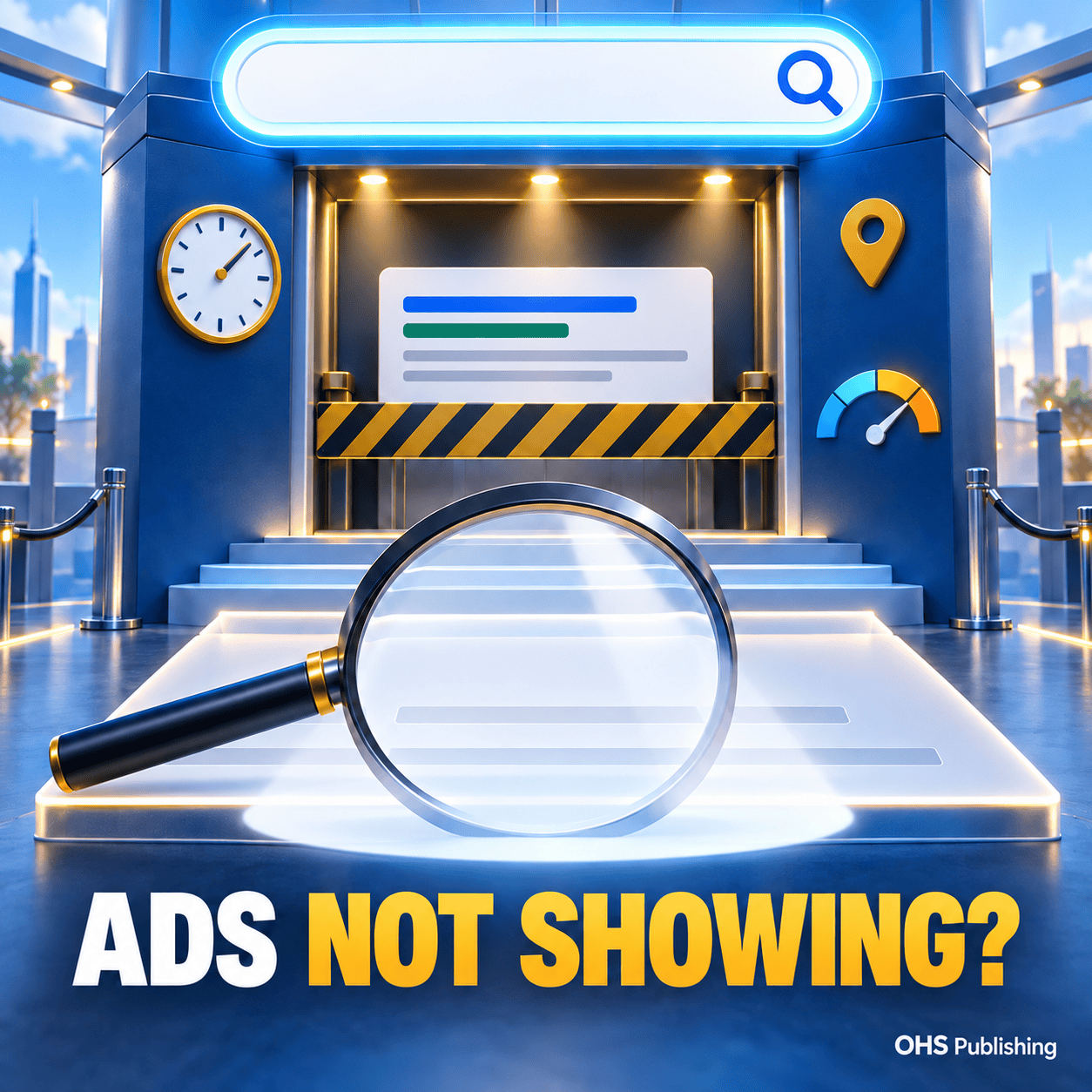
Your Google Ads campaign is enabled. The daily budget looks large enough. The ads are written, the keywords are present, and the campaign has been sitting there for days. Yet the account shows few impressions—or none at all.
This can feel like Google is refusing to use the budget. Usually, the problem is more specific. Something is preventing the campaign from becoming eligible for enough searches, entering enough auctions, or competing successfully once it enters.
Increasing the budget is not always the answer. A daily budget is a spending limit, not a promise that Google will spend that amount. If the campaign cannot enter the right auctions, a larger limit will not create useful search demand.
The fastest way to solve the problem is to check the campaign in a logical order: account status, campaign eligibility, targeting reach, keyword demand, bidding, Ad Rank, and reporting. This guide explains what to review before rebuilding the campaign or raising the budget.
First, Confirm Whether You Have an Impression Problem
An impression is recorded when an ad is shown. It is different from a click, a website visit, or a lead. A campaign can have an impression problem, a click problem, or a conversion problem, and each requires a different response.
- No impressions: the campaign may not be active, eligible, reaching searches, or entering auctions.
- Impressions but few clicks: the keywords, ad message, position, or search intent may be weak.
- Clicks but no leads: the traffic quality, landing page, offer, tracking, or follow-up may need attention.
If the ads are receiving clicks but no useful inquiries, start with the OHS guide to website traffic that does not become leads. The checklist below is specifically for campaigns that are receiving too little exposure to generate a meaningful test.
Check the reporting window before changing anything
Make sure the date range includes the days the campaign was supposed to run. Confirm the account time zone and compare it with the ad schedule. Look at the campaign, ad group, ad, and keyword levels rather than relying only on a dashboard summary.
A new or recently changed campaign may also need time before its activity becomes clear. Google’s current low-traffic troubleshooting guide advises reviewing the common causes if a campaign has no impressions after three business days. Avoid making several major changes every few hours, because that makes it harder to determine what was blocking delivery.
Can the Campaign Run at All?
1. The campaign, ad group, ad, or keyword is paused
An enabled campaign can contain a paused ad group. An enabled ad group can contain paused ads or keywords. Imported campaigns can also carry settings from another account that are easy to overlook.
Open the campaign and inspect each level. Look for green enabled indicators, but also read the status explanation. “Enabled” at the campaign level does not prove that an eligible ad and keyword exist inside it.
Check shared items as well. A campaign may rely on a portfolio bid strategy, shared budget, conversion goal, or imported asset that is no longer configured the way you expect.
2. Billing, account verification, or policy status is blocking delivery
Billing failures, suspended accounts, verification requirements, and policy problems can stop ads even when the campaign settings look normal. Review the notifications area and the billing section before editing bids or keywords.
Then check the status of every active ad. A disapproved ad cannot serve. An ad under review may not have the same eligibility as an approved ad. If only one ad exists in the ad group and it cannot run, the entire ad group effectively has nothing to show.
Read the actual policy explanation before editing. Changing unrelated wording may restart the review without addressing the flagged issue.
3. The start date, end date, or schedule is wrong
A campaign can be enabled but scheduled for a future date, limited to hours that have already passed, or ended by an old end date. This is especially common after duplicating or importing campaigns.
Compare the following:
- Campaign start and end dates
- Days of the week selected
- Daily start and stop times
- The Google Ads account time zone
- The date range used in the performance report
A narrow schedule is not automatically wrong. It becomes a problem when it removes most of the hours in which customers actually search.
4. There is no complete, eligible ad setup
Search campaigns need a workable chain: an active campaign, active ad group, eligible keywords, an approved responsive search ad, and a valid landing page. Missing or inactive pieces can leave the campaign with no path into the auction.
Check that the final URL loads correctly, uses the intended domain, and does not redirect visitors to an error or unrelated page. Review assets, but do not assume that adding more assets will solve a basic eligibility problem.
Is the Campaign Reaching Enough Relevant Searches?
5. The keywords have very low search volume
A keyword can be relevant and still be too specific to receive regular searches. Long phrases that combine a narrow service, small location, unusual wording, and restrictive match type may rarely become eligible.
Google explains that a keyword marked “Low search volume” remains inactive until search traffic increases. Raising the bid or rewriting the ad does not change that status.
For example, an exact-match keyword built around a highly specific repair, neighborhood, and same-day qualifier may describe the perfect customer but have almost no search history. Test a clearer service phrase, a nearby broader market, or a less restrictive match type while keeping the search intent relevant.
Use Keyword Planner as a directional tool, then compare its ideas with the services and locations the business can actually support.
6. Match types and keyword structure are too restrictive
An account built entirely around exact-match long-tail keywords may have very controlled targeting but little reach. The opposite problem—using broad keywords without safeguards—can create many irrelevant searches.
The goal is not to choose the broadest possible keyword. It is to create enough eligible coverage to learn while keeping the traffic connected to the service.
Group closely related keywords around one clear service. Write ads that match that service. Send visitors to the most relevant page. If expanding match types, review search terms and lead quality instead of judging success by impression volume alone.
7. Negative keywords are blocking the searches you want
Negative keywords protect the budget from irrelevant traffic, but an overly broad negative can prevent valuable searches from triggering ads. Account-level negative lists are particularly easy to forget because they can affect several campaigns.
Suppose a web design campaign adds “design” as a broad negative while trying to block job-seeking or software-template searches. That negative can interfere with the core service itself. A contractor campaign can encounter the same problem if a service word, location, or customer type is excluded too broadly.
Review negatives at the account, campaign, and ad-group levels. Look for conflicts with positive keywords and the language real customers use. Do not delete every negative keyword in response to low impressions; remove or narrow the ones that block qualified intent.
8. Location, language, or audience settings are too narrow
A local campaign may combine a small radius, limited schedule, narrow keywords, and restrictive audiences. Each choice can be reasonable alone, but together they may leave very few eligible searches.
Confirm that the targeted cities and radius match the real service area. Check whether excluded locations overlap the target. Review the location option controlling whether Google reaches people physically in the area or people showing interest in it.
The right choice depends on the business. A plumber normally wants customers inside the working territory. A company serving travelers, remote clients, or people planning a move may have a different need. OHS Publishing’s Kansas City-area location structure illustrates how neighboring cities and county markets can differ rather than functioning as one identical audience.
Audience settings deserve similar attention. An audience applied as a strict targeting requirement can reduce reach. If the intention was only to observe audience performance, confirm that it was not accidentally configured to restrict who can see the ads.
Can the Campaign Compete in the Auction?
9. The bid strategy or performance target is too restrictive
Automated bidding needs room to enter auctions. A very low target cost per acquisition, unrealistic return target, low bid ceiling, or incomplete conversion setup can restrict delivery.
This does not mean every account should switch to aggressive bidding. It means the strategy should match the campaign’s data and goal. A new campaign with little conversion history may need a different starting approach than an established campaign with reliable lead data.
Check the bid-strategy status for messages about learning, limited inventory, targets, or configuration. If the campaign was recently changed, document the change and allow enough time to evaluate it before making another major adjustment.
10. Ad Rank is too low
A high bid alone does not guarantee that an ad will appear. Google’s Ad Rank definition explains that eligibility and position depend on factors including the bid, ad and landing-page quality, auction competition, search context, thresholds, and the expected impact of assets.
Improve the connection across the search, keyword, ad, and page:
- Keep each ad group focused on a closely related service or intent.
- Write headlines that directly address the searches in that group.
- Use a landing page that continues the same service and offer.
- Make the page useful, mobile-friendly, trustworthy, and easy to contact.
- Add accurate assets that help searchers understand the business.
If the landing page is a generic homepage, a focused website and landing-page structure may improve both the visitor experience and the campaign’s relevance.
11. The campaign is limited by budget—but confirm it with data
Budget can restrict impressions when the campaign is eligible and demand exists. It is not the first explanation for a campaign showing nothing.
Add the search impression-share columns and review the available lost-impression metrics. “Search lost IS (budget)” points toward budget limitations. “Search lost IS (rank)” points toward competitiveness and relevance. New or very low-volume campaigns may not have enough data to populate every metric.
If the campaign is losing meaningful impressions to budget and producing qualified leads, a budget increase may be reasonable. If it is losing impressions to rank or receiving irrelevant traffic, spending more can magnify the wrong problem.
12. The market demand is smaller than the campaign assumes
Some services simply have limited search demand in a narrow area. Demand can also change by season, weather, urgency, business hours, and how customers describe the problem.
A Kansas City-area specialist targeting only a few small communities may not receive the same volume as a broad metro campaign. A niche professional service may need fewer but more valuable searches. Businesses across different industries and customer decision paths should not expect identical impression volume.
Low volume does not automatically make paid search a bad channel. It may mean the campaign needs a broader but still accurate service area, additional high-intent services, improved keyword language, or support from SEO, referrals, social media, and other channels.
Use This Troubleshooting Order
When impressions are near zero, check the account in this order:
- Reporting: confirm the date range, time zone, campaign type, and columns.
- Account: check billing, verification, suspension, and notifications.
- Status: inspect the campaign, ad groups, ads, keywords, and policy approvals.
- Timing: verify start dates, end dates, and ad schedules.
- Reach: review locations, languages, audiences, keywords, match types, and negative conflicts.
- Demand: check low-search-volume statuses and realistic local search volume.
- Competition: review bids, targets, Ad Rank, impression share, and relevance.
- Destination: confirm that the landing page loads and matches the ad.
This order prevents a common mistake: raising bids before discovering that the campaign is scheduled for the wrong hours, using inactive keywords, or blocked by an account-level negative.
A Realistic Local-Service Example
Imagine an HVAC company targeting several communities with exact-match phrases for specific repairs. The campaign is enabled and has a generous daily budget, but it produces only a handful of impressions.
The review finds four overlapping restrictions: most keywords have low search volume, the radius excludes part of the company’s real territory, ads run only during a short weekday window, and an imported negative list blocks an important service term.
Increasing the budget would not correct any of those problems. The practical response is to repair the negative conflict, align the geography with the actual service area, review the schedule, and test a controlled expansion of relevant keywords. Once impressions appear, the company can evaluate clicks, lead quality, and the landing page.
This is why PPC management built around targeting and lead quality looks beyond the visible budget number. Campaign settings work as a system, and several individually reasonable restrictions can combine into almost no delivery.
When Should You Raise the Budget?
Consider raising the budget after confirming that the campaign is eligible, reaching the right searches, losing valuable impression share because of budget, and producing leads worth pursuing.
Do not raise it simply because the account has spent less than the daily limit. Under-spending often signals limited eligible demand, narrow targeting, bidding constraints, or weak Ad Rank—not a shortage of available funds.
Also make sure the website is ready for additional traffic. Ads can create visits quickly, but they cannot repair unclear service information, broken forms, slow mobile pages, or weak follow-up. OHS Publishing’s free Website & SEO Audit can help identify website issues before more traffic is sent to the page.
Google Ads and SEO Should Support Each Other
Paid search can provide faster visibility for selected services, while organic visibility develops through the website’s technical foundation, service pages, local relevance, and useful content. The two channels solve different parts of the same problem.
Search-term data can reveal how customers describe a service. Strong organic pages can become better landing-page foundations. A combined review of PPC and SEO priorities can also show where the business should pay for immediate visibility and where it should build longer-term coverage.
For a broader introduction to campaign planning, review the OHS article about pay-per-click management and search visibility.
Frequently Asked Questions
Why is my Google Ads campaign active but getting no impressions?
An active campaign may still have paused or ineligible ad groups, ads, or keywords. Billing issues, policy reviews, incorrect dates, narrow schedules, low search volume, negative keyword conflicts, restrictive targeting, bidding limits, or insufficient Ad Rank can also prevent impressions.
Will increasing my Google Ads budget create more impressions?
Only when budget is the factor limiting an otherwise eligible and competitive campaign. A larger budget will not fix paused ads, billing problems, low-search-volume keywords, negative conflicts, narrow targeting, or low Ad Rank. Review impression-share and status information before increasing the budget.
How long should I wait before troubleshooting a new campaign?
Google recommends reviewing common low-traffic causes when a campaign receives no impressions after three business days. Check for immediate account, billing, approval, date, and status problems sooner, but avoid making repeated major changes before the campaign has had a reasonable opportunity to begin serving.
Can negative keywords stop all my ads from showing?
Yes. A negative keyword that overlaps an important service, location, or positive keyword can block qualified searches. Review account-level lists as well as campaign and ad-group negatives, then narrow or remove conflicts without eliminating useful protections against irrelevant traffic.
Why do competitors appear even when my bid is high?
Ad visibility is not decided by bid alone. Ad Rank also considers factors such as ad and landing-page quality, auction competition, search context, thresholds, and the expected impact of assets. Improving relevance across the keyword, ad, offer, and landing page can be as important as changing the bid.
Fix Eligibility Before Spending More
When Google Ads produces almost no impressions, begin with the settings that control whether the campaign can run and reach searches. Then review demand, bidding, Ad Rank, and budget. Work from evidence instead of assuming that Google simply needs permission to spend more.
If you want help reviewing the campaign, search targeting, landing page, and conversion path together, OHS Publishing can identify the practical issues and recommend the next step.